XFi Complete: A Helpful Guide to Features and Benefits
A reliable home internet connection is important for streaming, online gaming, remote work, and everyday browsing. For eligible Xfinity customers, xFi Complete is an add-on designed to combine internet equipment with additional data and home network features.
If you have noticed xFi Complete on your internet bill or are considering it for your home, understanding what it includes can help you decide whether it suits your needs. This guide explains its main features, potential benefits, costs to consider, and common questions.
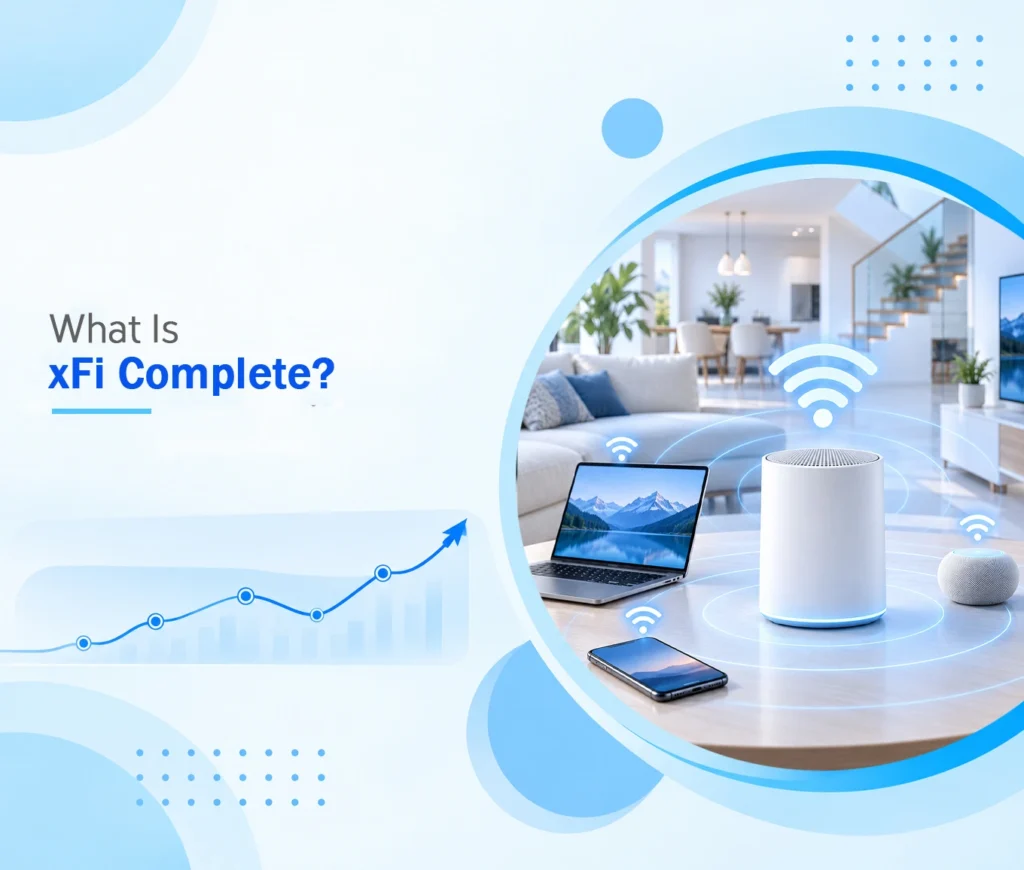
What Is xFi Complete?
xFi Complete is an add-on associated with Xfinity, the residential internet service offered by Comcast. Depending on the applicable plan and terms, the package can include an Xfinity Gateway, unlimited internet data, network security features, and support for improving Wi-Fi coverage throughout the home.
It is not a separate internet speed plan. Instead, it adds features to an eligible Xfinity internet subscription.
The Xfinity service page provides information about the package and its available features. Because offerings can change, customers should check their account to confirm which benefits are included.
What Features Does xFi Complete Offer?
The exact features depend on the customer’s plan and service eligibility. The package has traditionally combined several home internet benefits.
1. Xfinity Gateway Equipment
The Xfinity Gateway combines modem and router functions in one device. It connects the home to the internet and distributes the connection to compatible devices over Wi-Fi or Ethernet.
Using supported equipment can simplify home network management. Customers should check their plan’s equipment requirements before deciding whether to use a personally owned modem or router.
2. Unlimited Internet Data
Eligible xFi Complete packages have included unlimited monthly data, which can be useful for households that regularly stream videos, download large files, or connect many devices.
Unlimited data does not mean unlimited internet speed. Your speed still depends on your subscribed internet plan, network conditions, and other factors.
3. Home Network Security
Compatible Xfinity equipment offers network security features intended to help detect and block certain online threats. Available protection depends on the service and equipment attached to the account.
Customers can review the security options to understand the available protections and their limitations.
4. Better Wi-Fi Coverage
Some eligible customers may receive additional equipment, such as Wi-Fi extenders, when an assessment indicates that their home needs better coverage.
This can be helpful in larger homes or rooms where the wireless signal is weak. However, additional equipment is not necessarily provided to every subscriber.
How Much Does xFi Complete Cost?
The price of xFi Complete can depend on the customer’s existing internet plan, location, and account eligibility. Historical pricing should not be treated as a current universal rate.
Before adding the service, review the total monthly cost and compare it with the equipment, data, and security benefits you would otherwise pay for separately.
| Cost consideration | What to check |
| Monthly add-on | Confirm the current price on your account |
| Equipment | Check whether Gateway rental is included |
| Data allowance | Verify whether unlimited data applies |
| Extra equipment | Ask whether extenders are included or conditional |
| Existing plan | Check whether similar benefits are already included |
A package may offer value to a household that uses a lot of data, but it may be less useful if the existing plan already includes the features you need.
Is xFi Complete Worth It?
Whether xFi Complete is worthwhile depends on your household’s internet habits and current subscription.
When It May Be Useful
The package may suit households that regularly approach their data allowance, need compatible Gateway equipment, or want additional network management and security features in one package.
Remote workers, frequent streamers, and families with multiple connected devices may find these features convenient.
When It May Not Be Necessary
If your current internet plan already includes unlimited data and equipment, an additional package may offer limited extra value. Customers who rarely use much data should also compare the cost with their actual usage.
Before making a decision, review your bill and confirm which features are already part of your subscription.
How to Manage Your xFi Complete Service
Customers can use their Xfinity account and supported Xfinity app features to review service details and manage their home network.
Follow these general steps:
- Sign in to your Xfinity account using the official website or app.
- Open your internet service or plan details.
- Review the equipment and add-ons associated with your subscription.
- Check the available data, security, and Wi-Fi management features.
- Contact Xfinity support if you need clarification about your plan or billing.
The available options can vary by account. If you want to remove xFi Complete, ask support to confirm the new monthly total and explain which benefits or charges will change before making the adjustment.
Common xFi Complete Questions and Problems
Why Is xFi Complete on My Bill?
If you see an xFi Complete charge, review your current and previous bills to identify when it appeared. You can also check your account’s service details to understand which package is active.
If you do not recognize the charge, contact Xfinity directly rather than assuming it is an error.
Does xFi Complete Increase Internet Speed?
No, the add-on does not automatically upgrade your subscribed speed tier. Better Wi-Fi coverage or compatible equipment may improve the experience in some areas of your home, but the package is not a substitute for a faster internet plan.
Can I Use My Own Router?
Compatibility depends on the service and equipment requirements. Some customers may use their own router alongside an Xfinity Gateway, but this can affect how certain features work.
Confirm your setup requirements with Xfinity before replacing or disconnecting the supplied equipment.
Can I Cancel xFi Complete?
Cancellation options and eligibility depend on your account. Contact Xfinity or use the available account support options to confirm whether the service can be removed and what changes will follow.
Why Reliable Internet Management Matters
Managing a home internet connection involves more than selecting a package. Understanding your equipment, monitoring connected devices, and protecting your network can help you get more from your subscription.
Understanding technology trends can help readers explore how digital tools and internet connectivity continue to evolve.
For xFi Complete customers, the most practical approach is to understand the features included in their own account instead of relying on general pricing claims or outdated descriptions.
Conclusion
xFi Complete is an Xfinity add-on that has traditionally combined Gateway equipment, unlimited data on eligible plans, security features, and options for improving home Wi-Fi coverage. Its value depends on the services already included in your subscription and how your household uses the internet.
Before subscribing or cancelling, check your current plan, compare the available benefits, and confirm the latest terms with Xfinity. Doing so can help you avoid paying for features you do not need while making an informed decision about your home internet service.
Frequently Asked Questions
What is xFi Complete?
xFi Complete is an Xfinity internet add-on that has traditionally bundled equipment, unlimited data on eligible plans, network security features, and Wi-Fi coverage support.
Does xFi Complete include unlimited data?
Unlimited data has been included with eligible versions of the package, but availability and terms can vary. Check your current account details to confirm.
Does xFi Complete make Wi-Fi faster?
It does not automatically increase your subscribed internet speed. Compatible equipment and improved Wi-Fi coverage may help with wireless performance in certain parts of your home.
How can I check my xFi Complete charges?
Sign in to your Xfinity account and review your bill and active services. Contact Xfinity support if you need an explanation of a charge or want to change your package.